Turn a photo into your own paint by numbers
Pick a photo and how many colors you want. You get a numbered outline to print, a color key, and a preview of the finished painting. Free, and your photo never leaves your device.
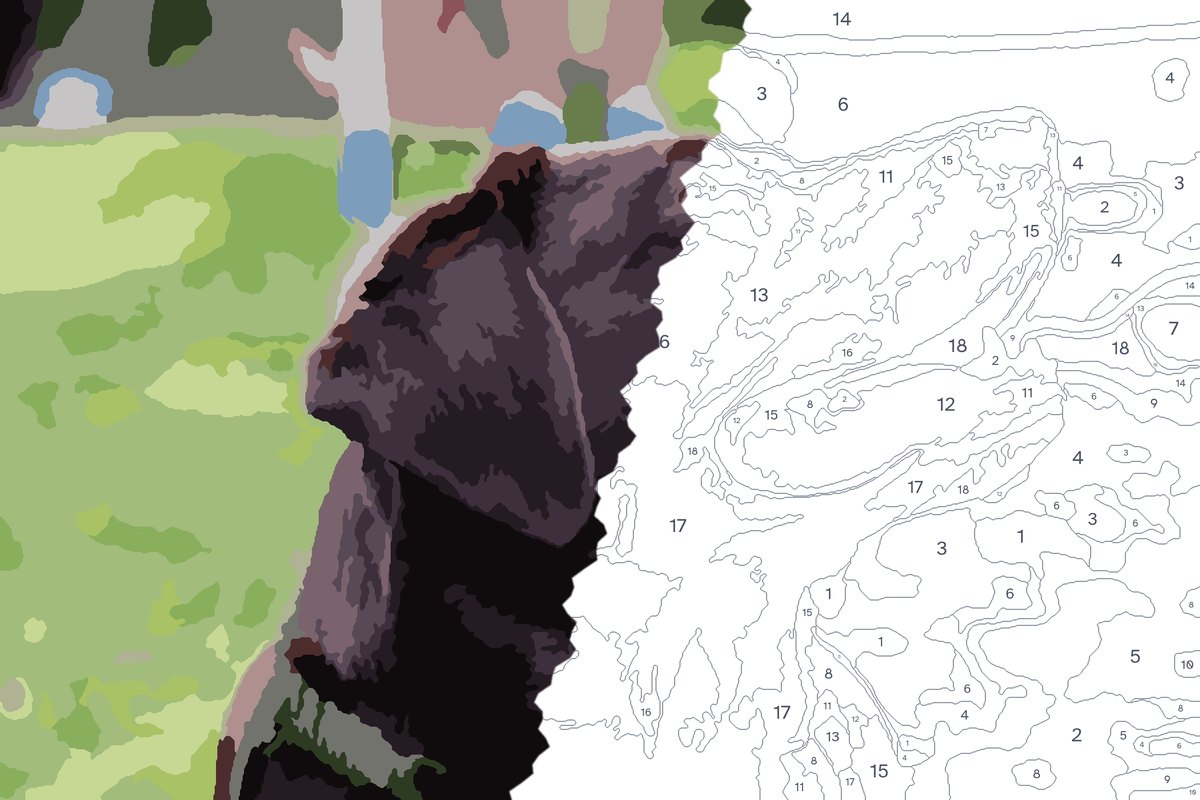
Fewer colors are easier to paint. 12 to 24 suits most photos.
Higher detail keeps smaller shapes. Lower is relaxing, higher looks more like the photo. 8 and up keep fine lines and text.
From photo to painting in three steps
- 1
Pick a photo
Clear light and a simple background work best. Pets, people, homes and landscapes all make good patterns.
- 2
Choose colors and detail
Fewer colors and less detail make a relaxing first project. More of both looks closer to the photo.
- 3
Print, trace and paint
Print the outline at the size you want, trace it onto canvas with transfer paper, and fill each area with its numbered color.
A portrait they paint themselves
Make a pattern from a photo of their dog, their first home or a favorite trip. Print it at 11 × 14 inches, add a paint set and a blank canvas, and you have a gift nobody else could have bought.
Ideas to start with
- Custom Cat Paint by Numbers From Your Cat's Photo
- Custom Paint by Numbers From Any Photo
- Custom Dog Paint by Numbers From a Photo of Your Dog
- Turn a Family Photo Into Paint by Numbers
- House Portrait Paint by Numbers From a Photo of Any Home
- Memorial Paint by Numbers From a Photo of Someone You Miss
- Pet Portrait Paint by Numbers From Your Own Photo
- Wedding Photo Paint by Numbers for an Anniversary Gift
Guides
- The Best Brushes for Paint by Numbers
- The Best Paint by Numbers Kits for Adults in 2026
- The Best Paint for Paint by Numbers
- Custom Paint by Numbers Gift Ideas (Made From Your Own Photos)
- Diamond Painting vs Paint by Numbers
- Gifts for People Who Like to Paint (2026 Holiday Guide)
- How Many Colors Should a Paint by Numbers Pattern Have?
- How to Make Paint by Numbers From Your Own Photo
Questions
Is it really free?
Yes. There is no signup and no watermark. The site is supported by Amazon affiliate links on the supply suggestions.
Is my photo uploaded anywhere?
No. The pattern is built by your own browser. The photo is never sent to a server, so it works for private family pictures too.
What size can I print?
The PDF comes in Letter, A4, 8 × 10, 11 × 14 and 16 × 20 inches. Sizes larger than your printer can be printed at a copy shop.
How many colors should I choose?
Twelve to eighteen colors suit a first project. Portraits and detailed photos look better with 24 or more. More on choosing colors.